
You Can Submit Annual Census Information Using Our Compliance Portal
Our Compliance Portal — the same portal used for 5500 submissions — can also be used to collect annual census information.
If you need access to the system, please contact the RPG Compliance Department.
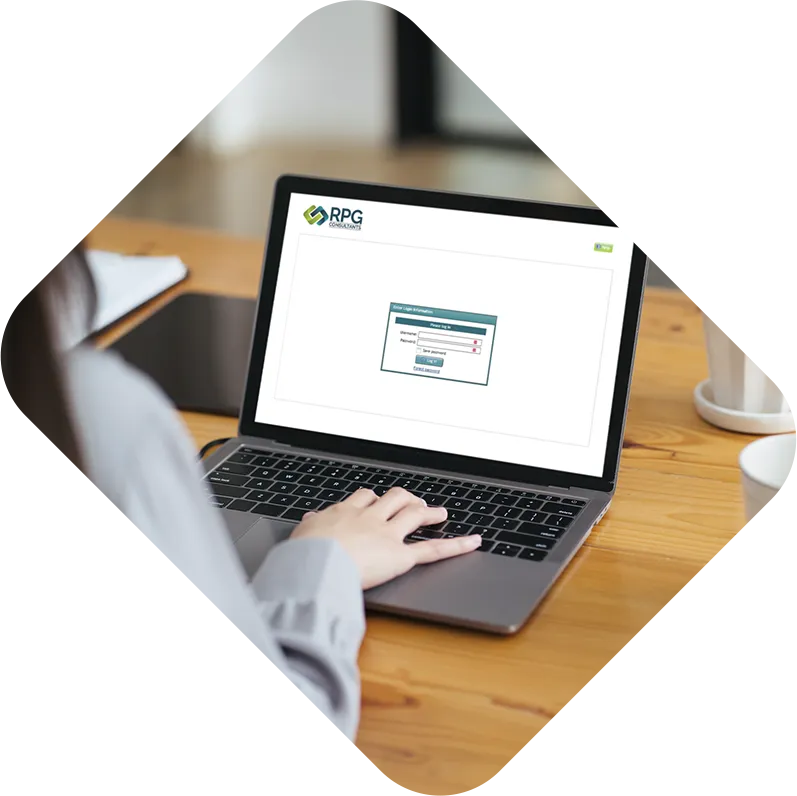
Instructions
An extensive instruction manual, which explains how to log in and navigate the Compliance Portal (and much more), is available if needed.
1. Annual Questionnaire
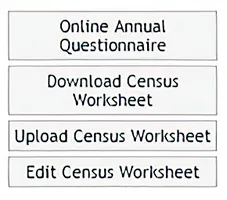
2. Census Worksheet
You have the option to either (1) download a census file as a .csv to update and then upload again OR (2) to update a live census file within the portal.
You do not need to do both.
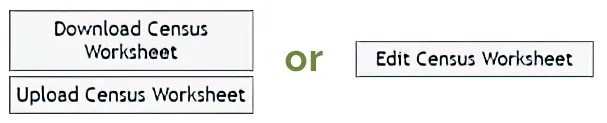
If you download the CSV file: This file must remain in the same format for uploading to our systems. Please do NOT remove any rows above (and including) the header row. Add new employees as additional rows under the last employee. Please do not add/remove any columns. And please keep the file extension as a .csv (do NOT change to .xls).
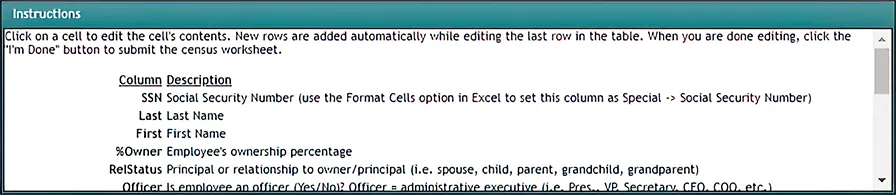
- For any employees who earned wages in the referenced year:
- Enter hours, salary, deferral and other pertinent information.
- Add dates of termination (DOT)
- You do NOT need to add a date of hire (DOH) UNLESS this is someone that was previously terminated and rehired in the current year
- For any new hires in the current year, add all applicable information INCLUDING DOB and DOH.
- If an employee on the list did not work for your firm in the referenced year, please remove them from the listing.
- If a former employee is not on this list but was previously reported to us and is rehired in the referenced year, enter the data including the DOB. The DOH should be the rehire date.
Managing Compliance Portal User Access
To request a new user on your Compliance Portal, please send an email to [email protected] with the full name, email address and role for the user.
Compliance Portal User Types
When managing users for your Compliance Portal, please refer to the table below.
|
|
5500 |
Compliance |
Confidential Documents |
Plan Documents |
Full |
 |
|
|
|
Compliance |
|
|
|
|
Compliance Limited |
|
|
||
5500 Admin |
|
|
|
|
5500 |
|
|
||
Docs Plus |
|
|
||
Docs |
|
- 5500
View, print and submit Form 5500, SAR and 8955-SSA. - Compliance
Access and submit full census data (including salaries, SS#s and DOBs) and complete compliance questionnaire. - Confidential Documents
Including census files, contribution allocation reports and other “sensitive” data. - Plan Documents
Including plan documents, summaries, notices, amendments, forms, etc.